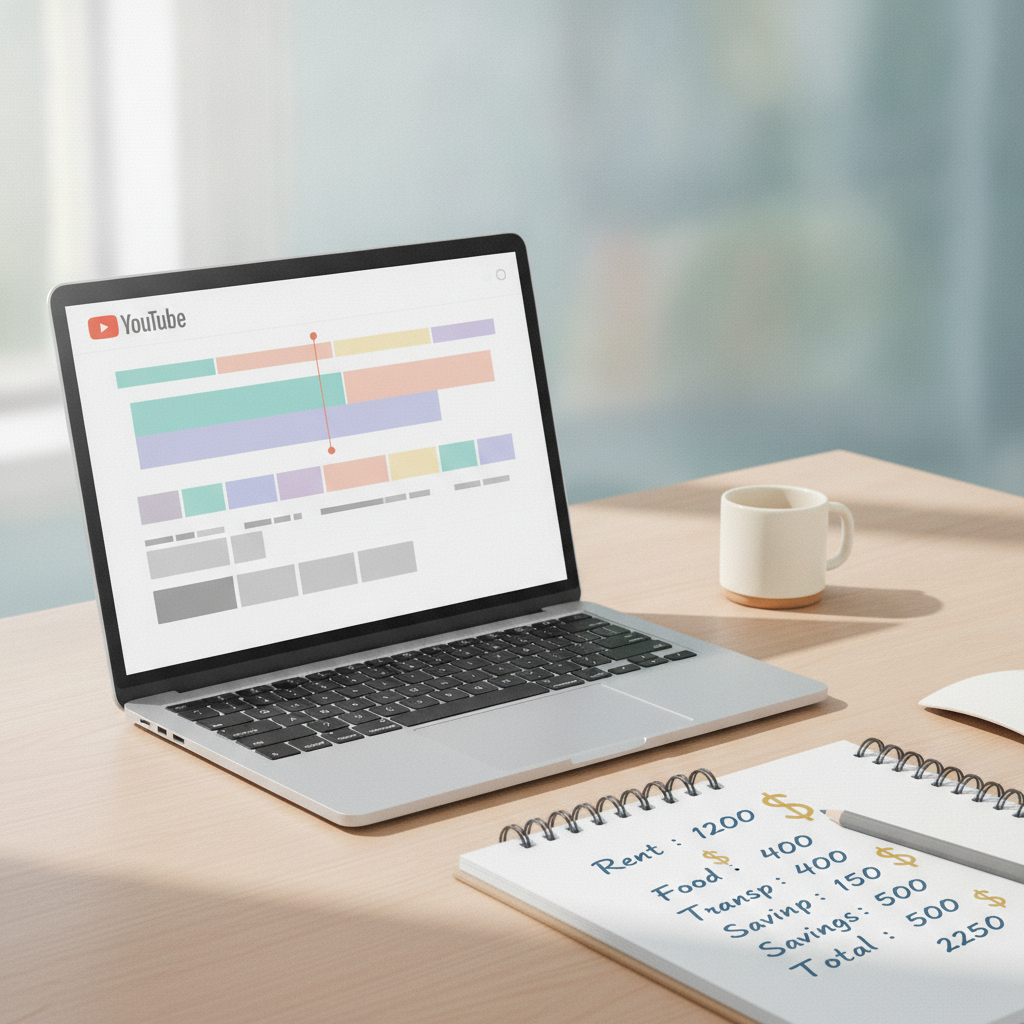
If you're hiring a YouTube video editor, expect to pay between $50 and $500+ per video depending on the complexity, length, and editor's experience level. Basic edits (simple cuts, transitions, basic color correction) for a 10 minute video typically cost $50 to $150. Mid-tier edits with motion graphics, sound design, and custom thumbnails run $150 to $300. Premium edits with advanced effects, animation, and full production polish can easily exceed $500 per video.
The real answer depends on what you're actually asking the editor to do. A talking-head vlog with jump cuts is different from a documentary-style video essay with B-roll, music licensing, and motion graphics. Let's break down what drives the price and what you should expect to pay.
What Drives YouTube Video Editing Costs
Three factors determine your final price: video length, editing complexity, and editor experience.
Video length is straightforward. A 5 minute video takes less time to edit than a 20 minute video. Most editors quote per video or per minute of finished content. Per-minute rates typically range from $10 to $50 per finished minute, but this varies wildly based on complexity.
Editing complexity matters more than length. A 15 minute podcast clip with simple cuts might cost $75. A 10 minute travel vlog with color grading, music sync, B-roll integration, and motion graphics could cost $400. Complexity includes: number of camera angles, amount of B-roll, motion graphics and text overlays, color grading requirements, sound design and audio cleanup, custom thumbnails and end screens, and subtitle or caption creation.
Editor experience creates the widest price range. A beginner editor on Fiverr might charge $30 per video but deliver inconsistent quality and miss deadlines. An experienced YouTube editor who understands pacing, retention, and platform-specific best practices charges $200 to $500+ per video but delivers work that keeps viewers watching. You're not just paying for technical skill, you're paying for someone who understands what makes YouTube content perform.
Typical Price Ranges by Video Type
Here's what you should budget for common YouTube video styles.
Talking head vlogs and simple commentary: $50 to $150 per video. These need jump cuts, basic color correction, simple lower thirds, and maybe a static intro/outro. If your raw footage is clean and well-lit, expect to pay toward the lower end. If the editor needs to fix audio issues or color correct poorly lit footage, expect the higher end.
Tutorial and educational content: $100 to $250 per video. These require screen recordings, zoom-ins on important details, text callouts, chapter markers, and careful pacing. Good tutorial editors understand information hierarchy and make complex topics digestible.
Product reviews and unboxing: $150 to $300 per video. Multiple camera angles, detailed B-roll of the product, music selection, and often custom thumbnails. The editor needs to make the product look good while maintaining authentic commentary.
Documentary-style video essays: $300 to $600+ per video. Extensive B-roll sourcing or integration, complex sound design, music licensing, motion graphics, and often research to ensure visual accuracy. These editors are essentially producing a short film.
High-production YouTube originals: $500 to $2000+ per video. Full production value with advanced color grading, VFX, custom animations, and multi-day editing timelines. Only worth it if your channel revenue justifies the investment.
Monthly Retainer vs Per-Video Pricing
If you publish consistently, a monthly retainer often costs less than per-video pricing.
Most YouTube editors offer retainer packages for creators publishing multiple videos per week. A typical retainer for 4 videos per month (one per week) runs $400 to $1200 depending on complexity. That breaks down to $100 to $300 per video, usually cheaper than one-off pricing because the editor can batch work and knows your style.
Retainers make sense if you publish at least 4 videos per month and want consistent quality. They also give you priority scheduling. The downside is you're committed to a monthly payment whether you publish or not. If your upload schedule is irregular, stick with per-video pricing.
Hidden Costs to Watch For
The quoted editing rate isn't always the full cost.
Revisions are the biggest hidden cost. Most editors include one or two rounds of revisions. After that, expect to pay $25 to $100 per additional revision round. Be specific in your initial feedback to avoid revision creep.
Rush fees apply if you need the video faster than the editor's standard turnaround. A 24 to 48 hour rush typically adds 25% to 50% to the base price. Plan ahead.
Stock footage and music licensing usually aren't included. If your editor sources stock footage or premium music, expect to either pay licensing fees directly or have the editor add them to your invoice. Budget $20 to $100 per video for stock assets if needed.
Thumbnail design is sometimes separate. Some editors include it, others charge $15 to $50 extra per thumbnail. Clarify this upfront.
How EditorDuel Handles YouTube Editor Pricing
At EditorDuel, you post your project with your budget and timeline. Editors compete for your work by submitting sample edits of your actual footage. You see their work before paying anything, then choose the editor who delivers the quality you need at the price you set.
This competition model means you're not guessing whether a $200 editor is better than a $100 editor. You see the proof in their submitted work. You also avoid the hidden cost problem because editors know they're competing on both quality and price, so they quote their full price upfront including revisions and deliverables.
The typical EditorDuel competition receives 5 to 12 submissions within 48 hours. You review them, pick your favorite, and work directly with that editor going forward. If you're happy with their work, you can hire them for ongoing projects at a negotiated rate.
What You Should Actually Pay
Don't just hire the cheapest editor. A $50 edit that kills viewer retention costs you more in lost ad revenue than a $250 edit that keeps people watching.
Budget based on your channel's revenue and growth goals. If you're pre-monetized or earning under $500 per month, keep editing costs under $100 per video. If you're earning $2000+ per month, investing $200 to $400 per video in professional editing usually pays for itself in better retention and higher CPMs.
The best approach is to test. Hire an editor for 2 to 3 videos and compare your retention analytics to previous videos. If average view duration increases and your audience retention curve improves, the editor is worth the cost. If metrics stay flat or drop, try someone else.
Ready to hire? Post a competition on EditorDuel and get matched with editors who compete for your project.